Doors
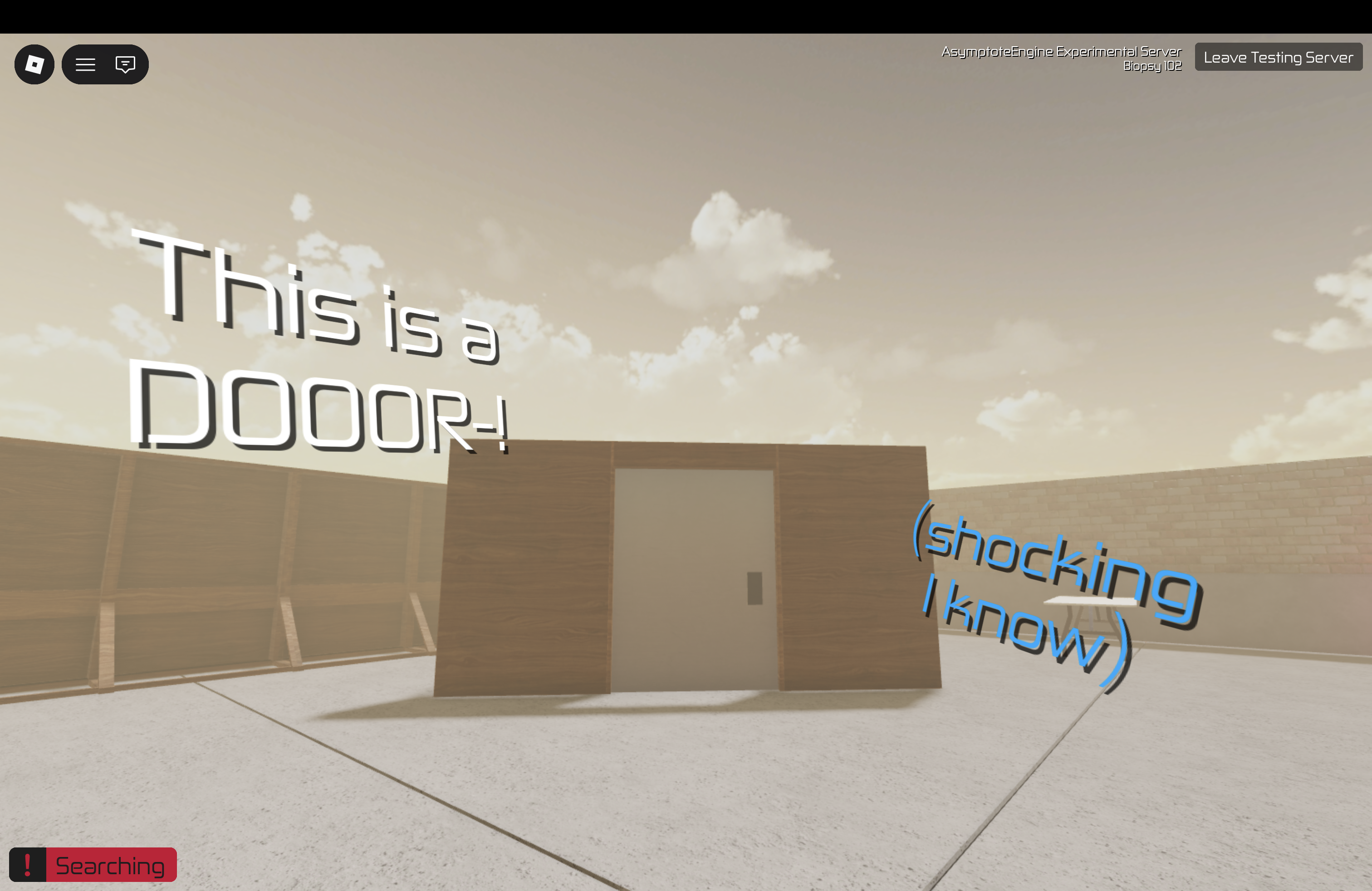
Doors. As insignificant as they are, those litte "are they walls or part of a wall??" philosophical conundrums, they play the most important role in all games. If your level doesn't have any kind of doors, is it even a mission anymore?
Setup
Doors are props using parts as placeholders that you put in the level Props folder. You should've known this by now. It is recommended that your part's X and Y sizes should be 5 and 7.
Sides
You need to know how the "sides" of a door are defined. The Front is the positive Z axis of the part. While Back is the negative. Understanding this is crucial.
Attributes
AutoLock(boolean) AutoLock is kinda tricky to explain. Basically, if true, the door will lock again after it is closed. If false, doesn't. For example, if you set the door's attributeLockFrontto true, andLockBackfalse, any player can open the door from the back side, while the front remains unlocked. If AutoLock is true, and the door is closed again, the front side will be locked again. If false, then it wont relock again and will remain unlocked for all eternity.DoubleDoor(boolean) Basically sets if the door is a double door. Shocking, I know.LockFront(boolean) Locks the front side of the door.LockBack(boolean) Locks the back side of the door.RemoteUnlock(string) This is global state variable. If the variable is true, the door will unlock for both sides. It will also set the variable to false if it's closed again. This is useful for remote access, such as using a keycard reader.
Keycard readers
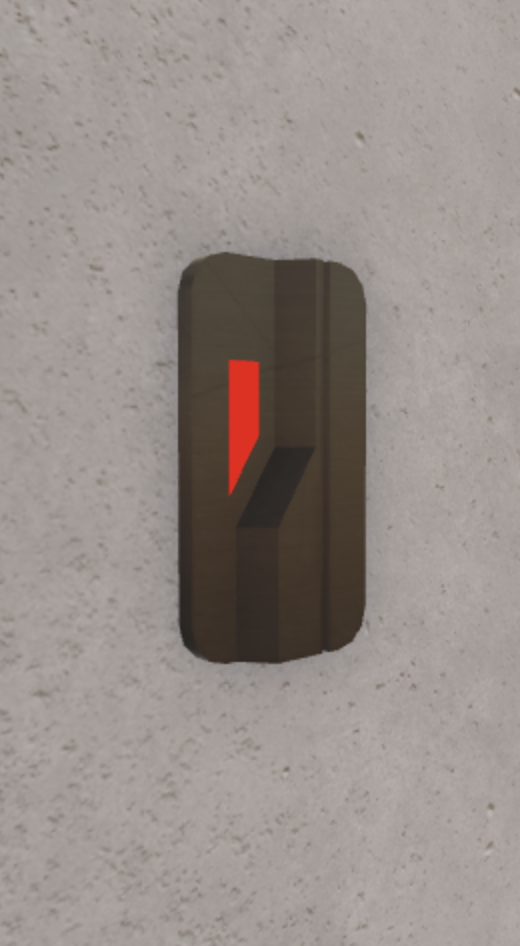
A cult obsession. They really can be used for anything due to their nature, but they are commonly used to unlock doors.
Attributes
LightLevel(number) This is a number from 1 to 4. This basically sets the LEDs of the reader. For example, if the light level is 2 then 2 LEDs will be on.
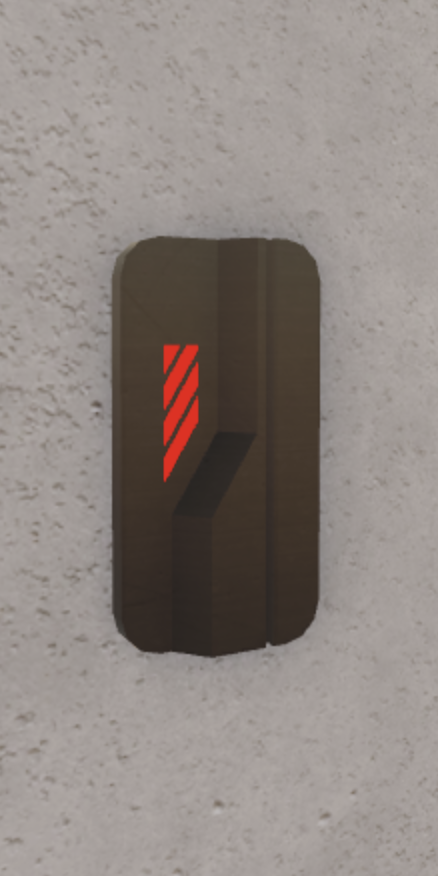
TriggerVariable(string) This is global state variable. It will be set to true if a player successfully swipes their card here. The reader will also listen to changes, if the variable is false, the LED is red, if true, green.ValidCards(string) These are the card names the reader will recognise and scan successfully. Different card names are seperated by whitespace, e.g.:BasicKeycard SecurityKeycard MasterKeycard.